Organization Chart
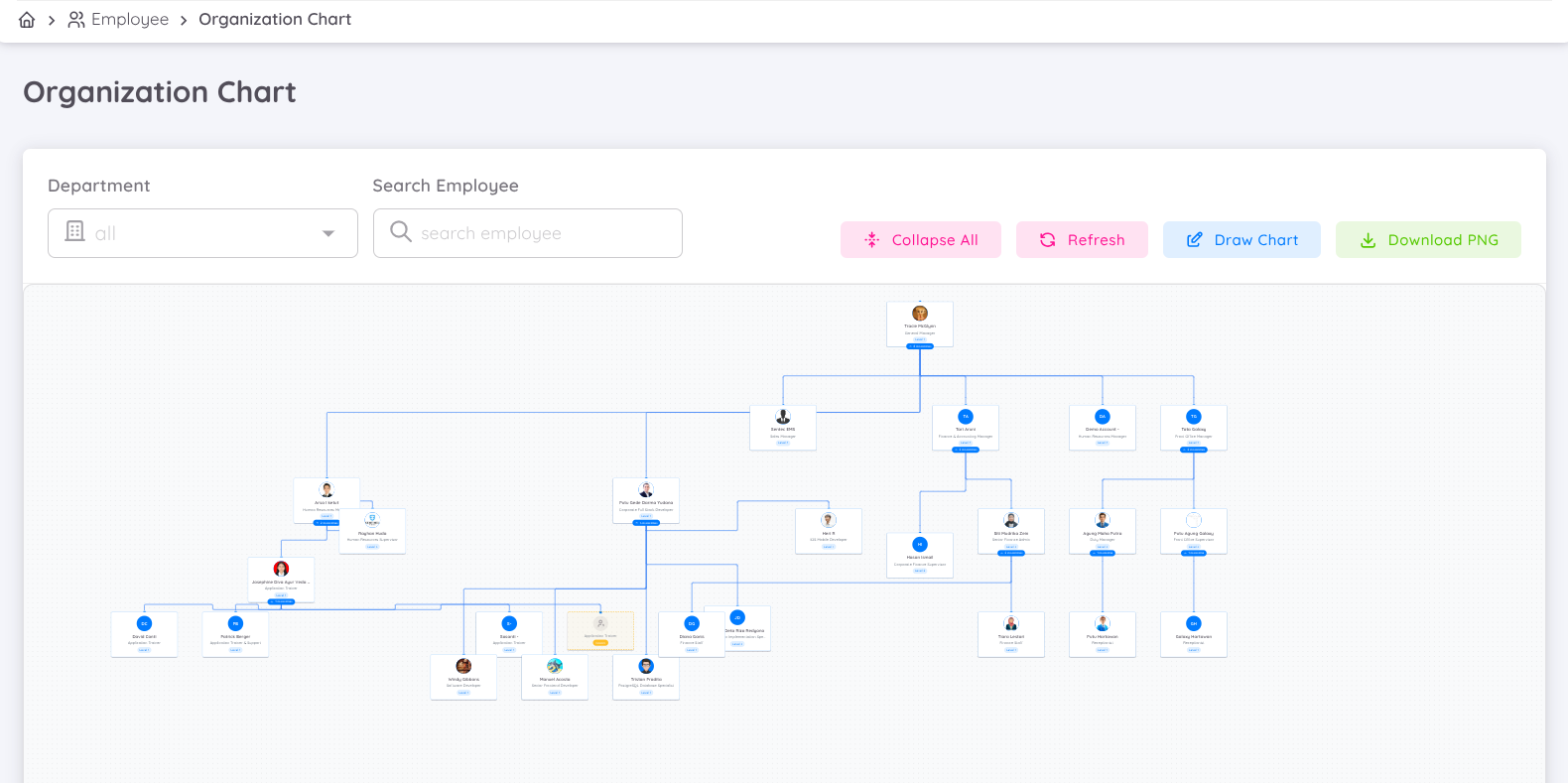
The Organization Chart is created based on the organizational superior in each employee's contract. Employees visible on this page are only those with active contracts with the company in the dashboard. The top-level positions will be filled by employees who have a contract as Head of Department (HOD) and do not have an organizational superior, or their organizational superior is from another company.
NOTE
When you deactivate an employee's contract, it is recommended to reassign the subordinates of that contract. Subordinates from the deactivated contract can be reassigned to the superior according to the applicable procedures. This way, the organization chart remains connected without any broken links.
Draw Chart
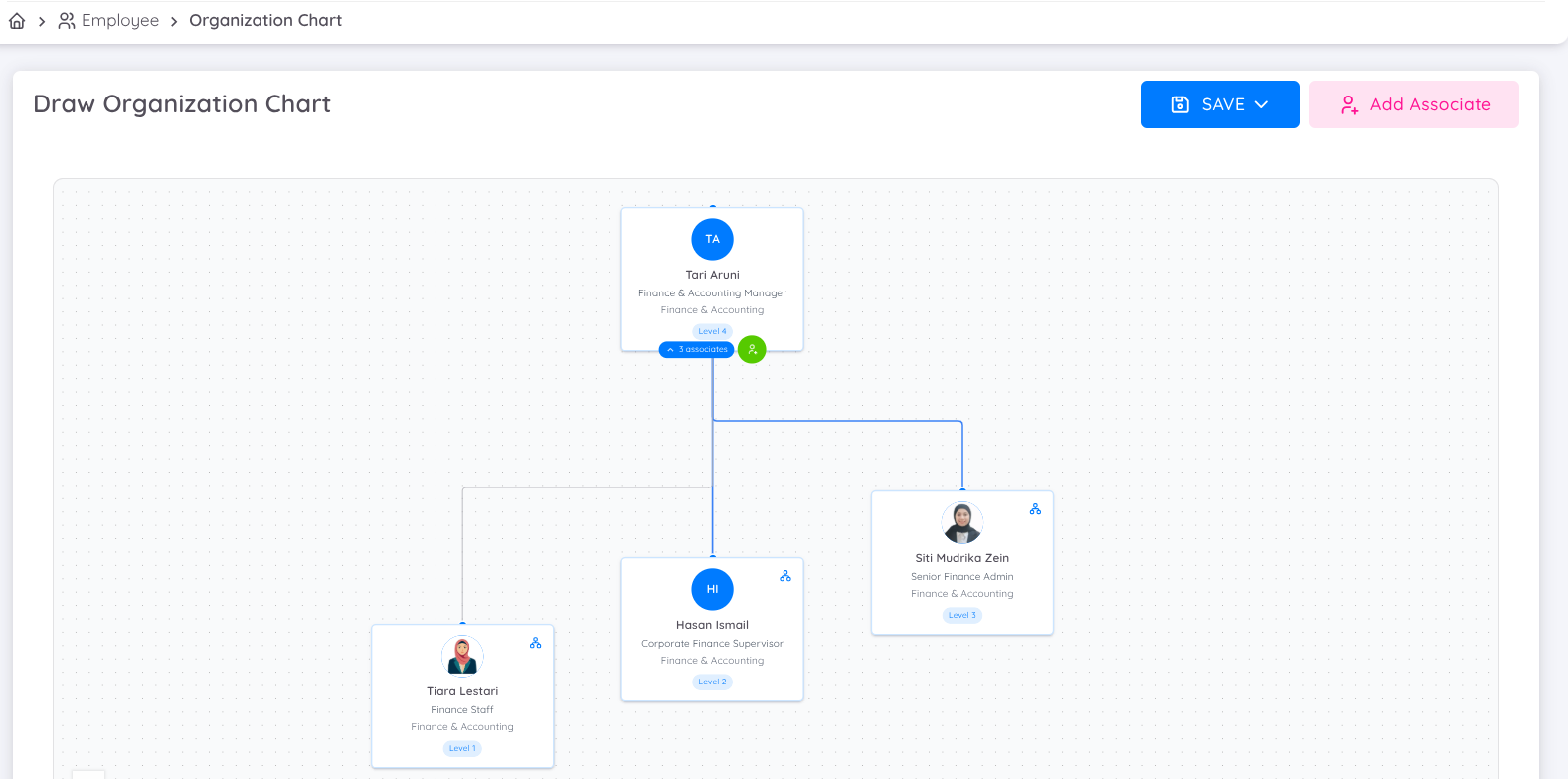
In Sentec EMS, you can customize or adjust the organization chart according to your needs by drawing a chart.
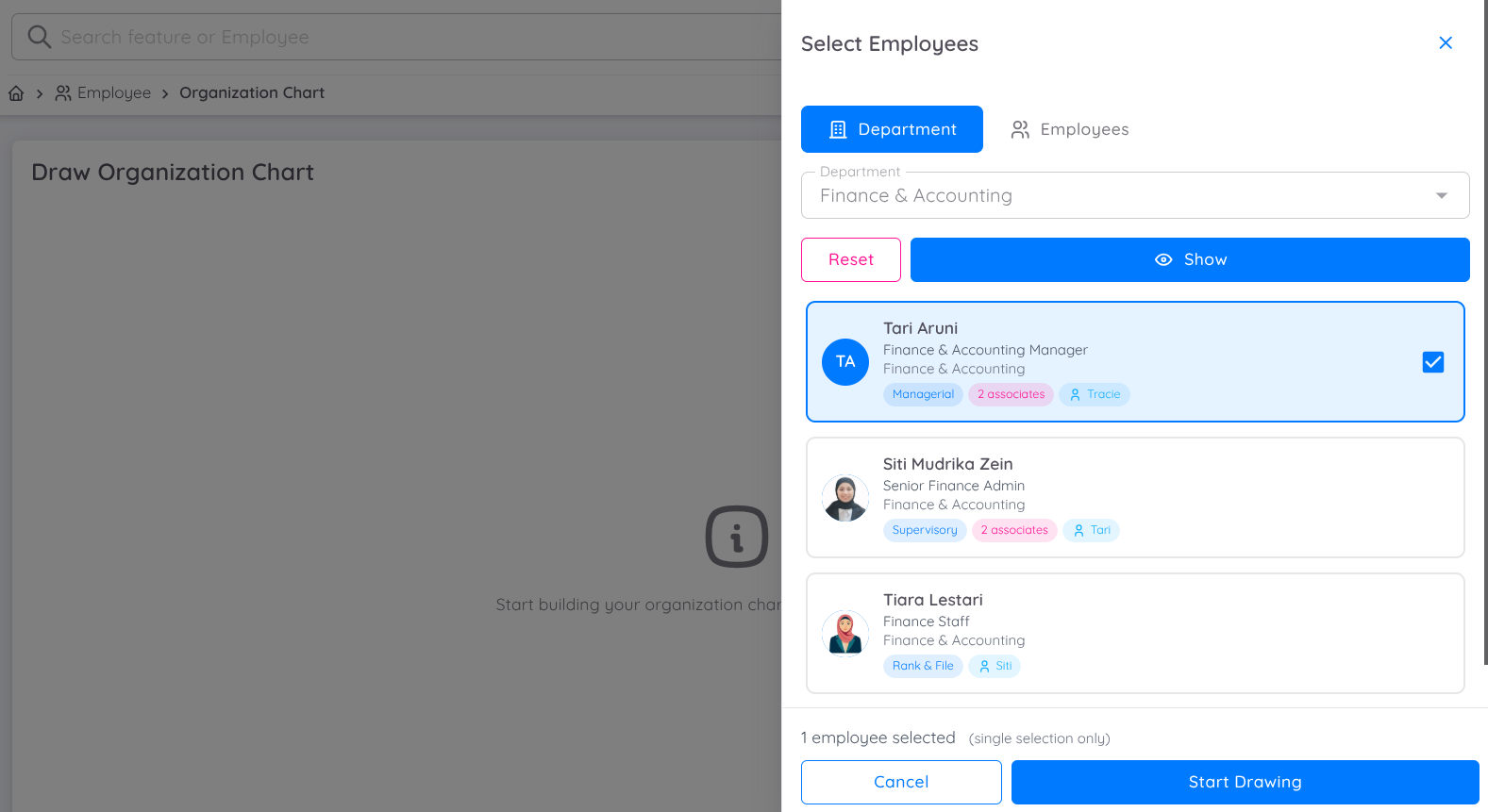
To do this, follow these steps:
- Click Draw Chart.
- On the blank canvas, click Start Drawing to create a new organization chart.
- Select an employee name by first choosing the department or by directly typing the employee’s name.
- Start drawing. If the selected employee already has a branch, it will be displayed automatically. However, you can still rearrange it by dragging and dropping the employee name on the canvas.
- Add another associate to include additional employees in the organization chart you want to create.
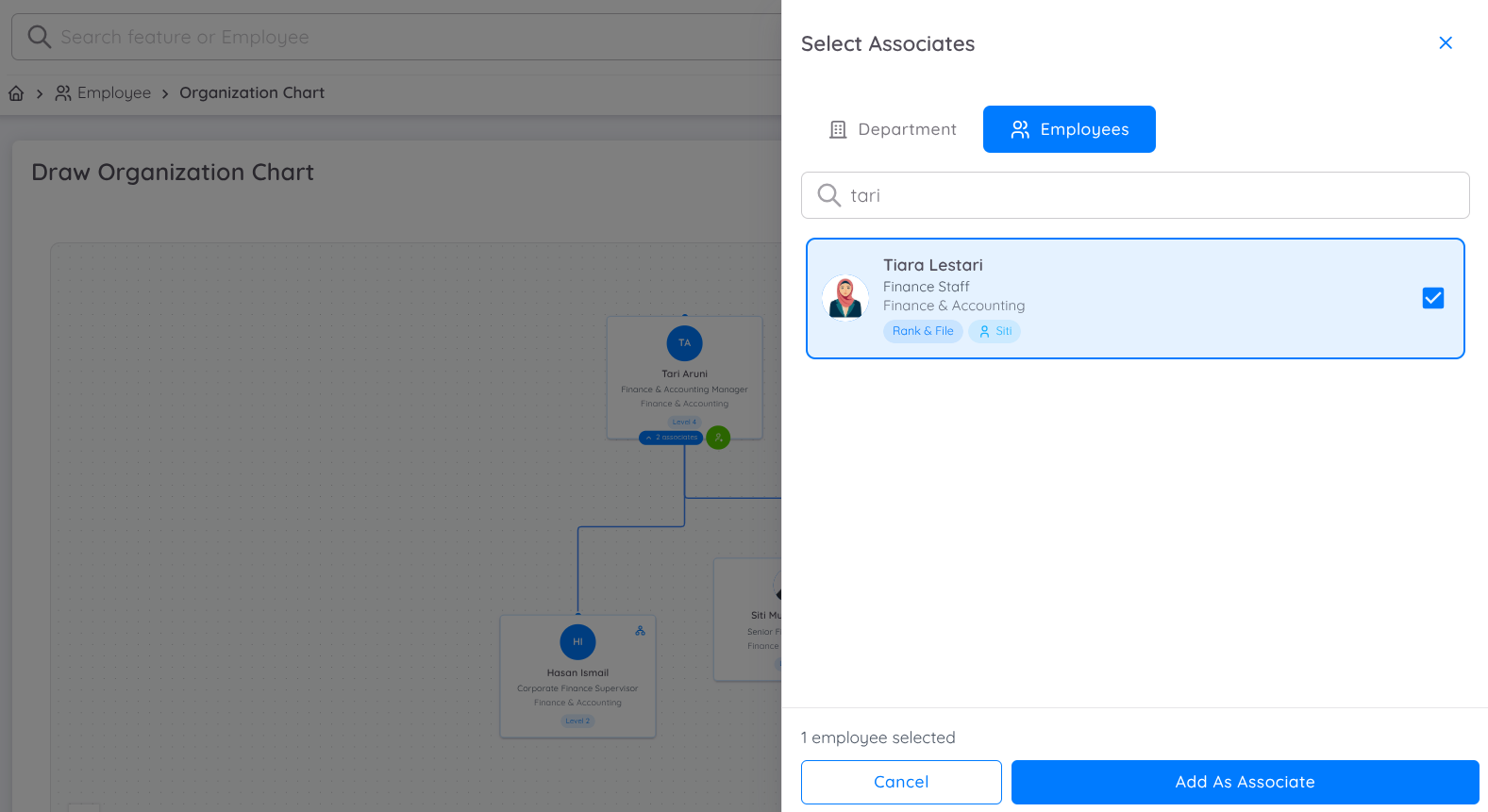
- Once the drawing is complete, click Save. The result will be displayed as a new organization chart.