Performance Reports
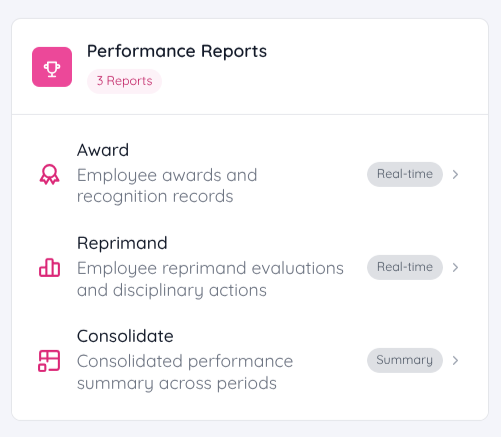
Performance Reports are now available in Sentec EMS. These reports provide insights into employee performance, recognition, and disciplinary records.
The following reports are available:
- Award Report – Displays employee awards and recognition records.
- Reprimand Report – Displays employee reprimands, evaluations, and disciplinary actions.
- Consolidated Performance Report – Provides a consolidated summary of employee performance across multiple review periods.
Award Report
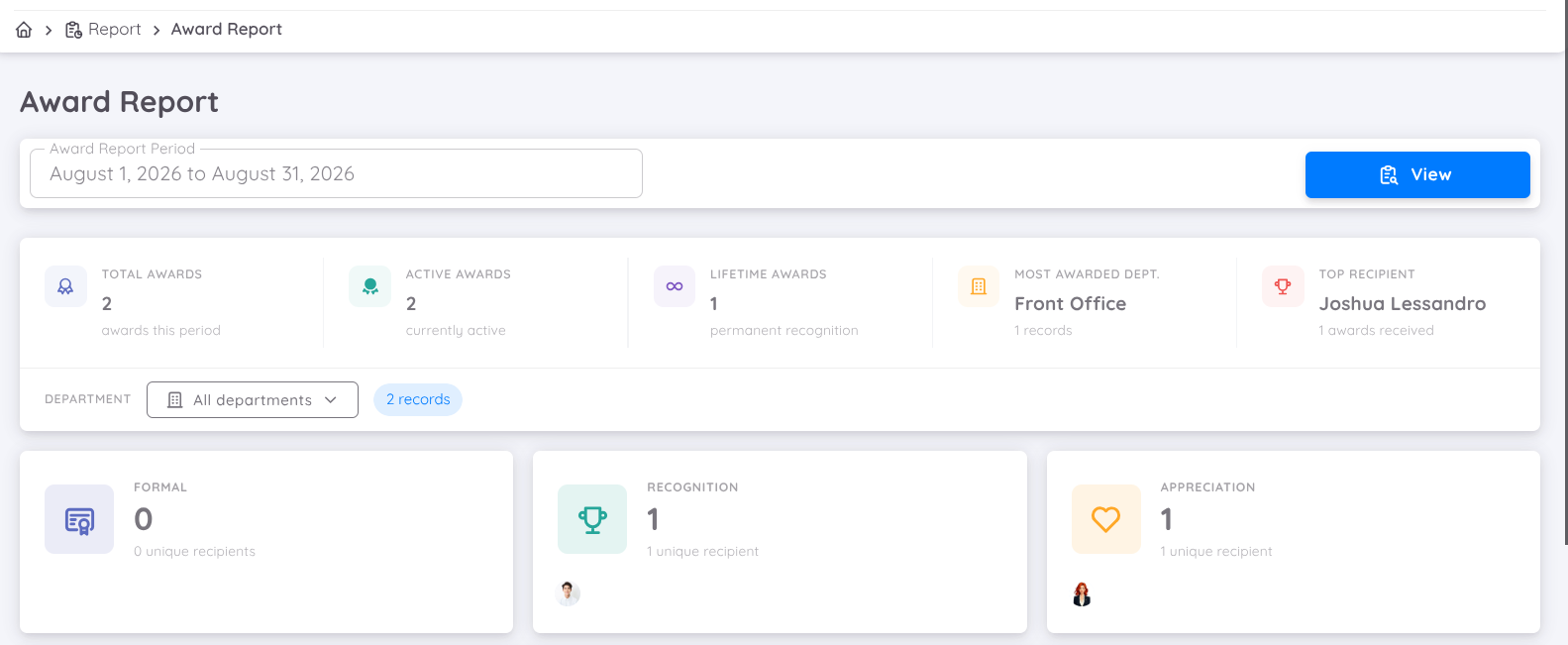
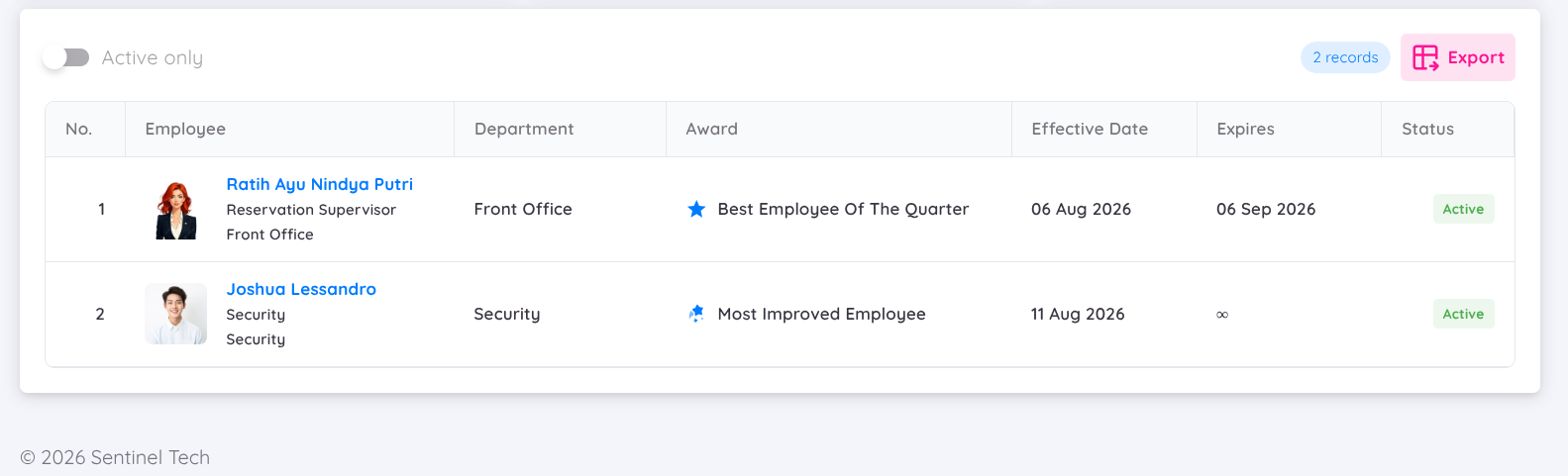
The Award Report provides a comprehensive overview of employee awards and recognition. It helps management monitor employee achievements, identify top performers, and promote a culture of appreciation across the organization.
The report includes:
- Award summary and key statistics
- Award distribution by department and category
- Employee award history and status
- Filters by award period and department
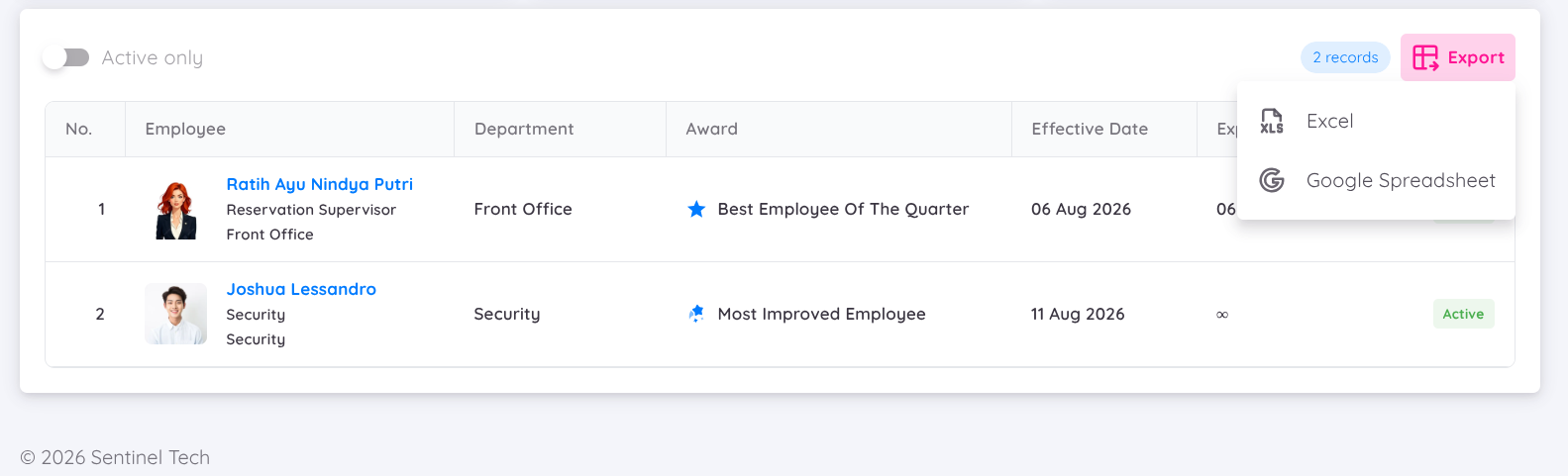
The report can be exported to Excel or Google Sheets, providing both summary information and detailed records of awards granted to employees.
Reprimand Report
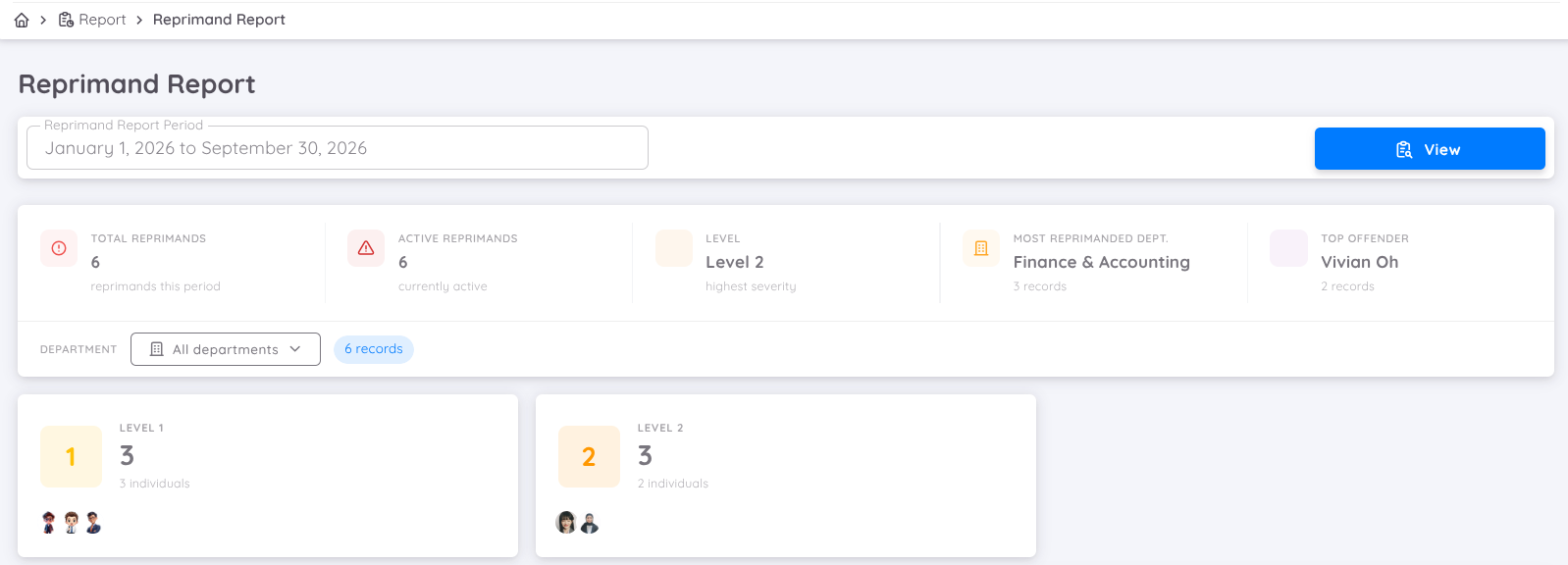
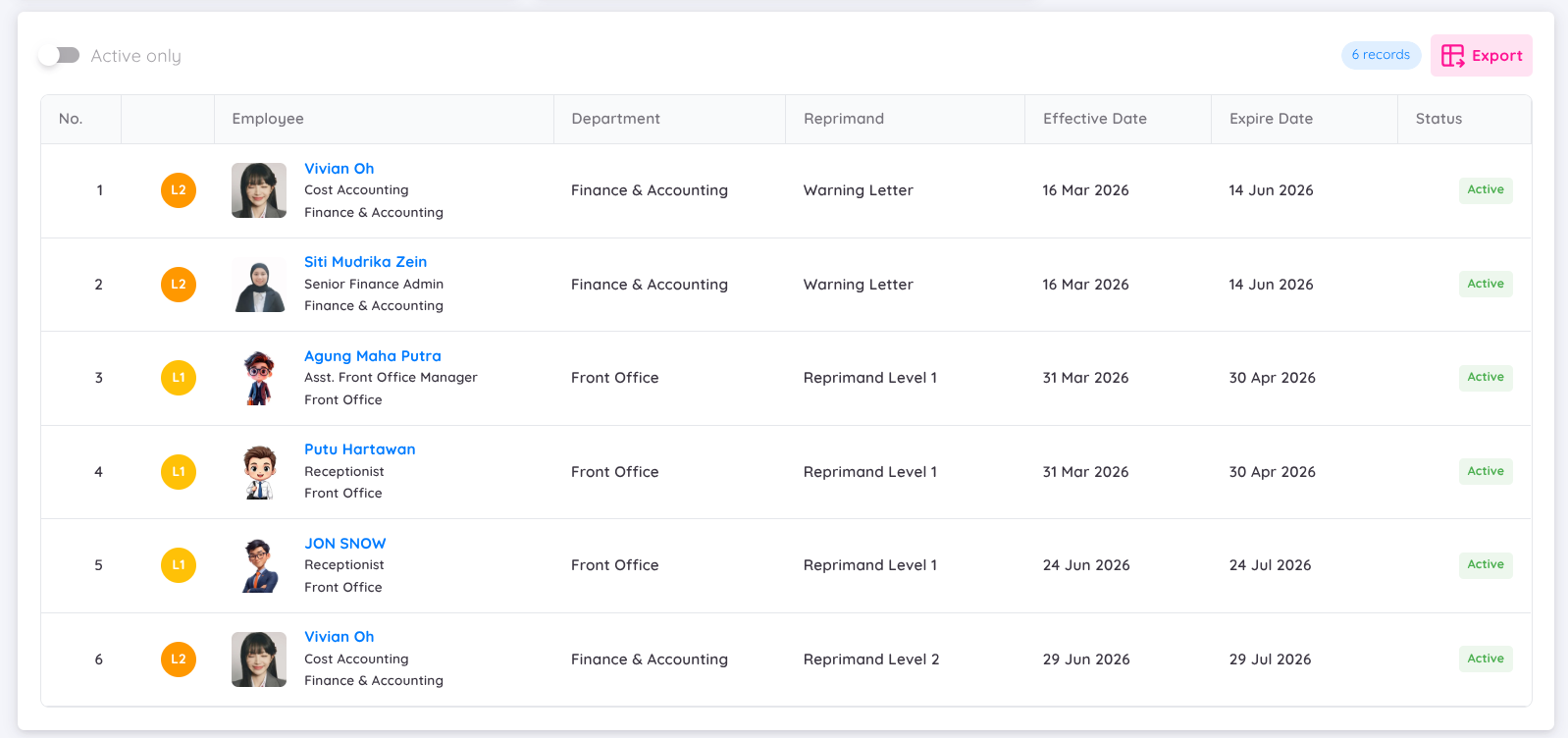
The Reprimand Report provides a comprehensive overview of employee reprimands. It helps HR and management monitor disciplinary actions, identify recurring issues, and ensure consistent enforcement of company policies.
The report includes:
- Reprimand summary and key statistics
- Reprimand distribution by department and level
- Employee reprimand history and status
- Active and expired reprimand records
- Filters by reporting period and department
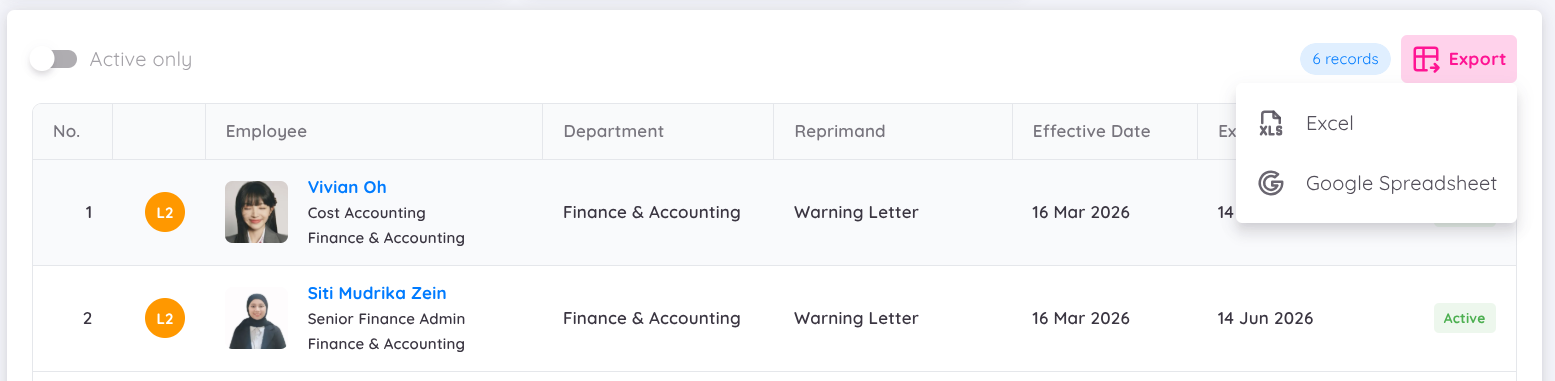
- Export options to Excel or Google Sheets
Consolidated Performance Report
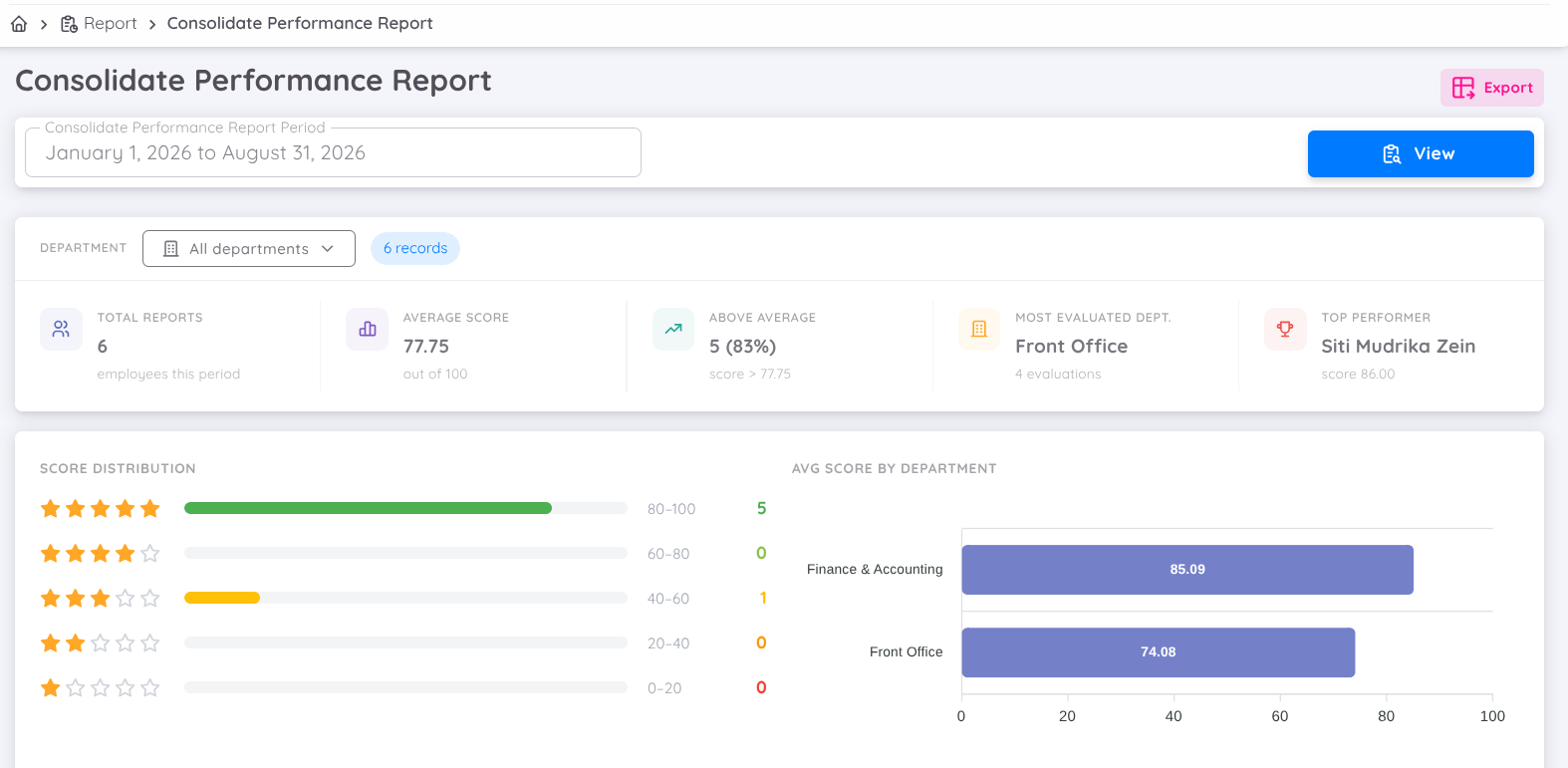
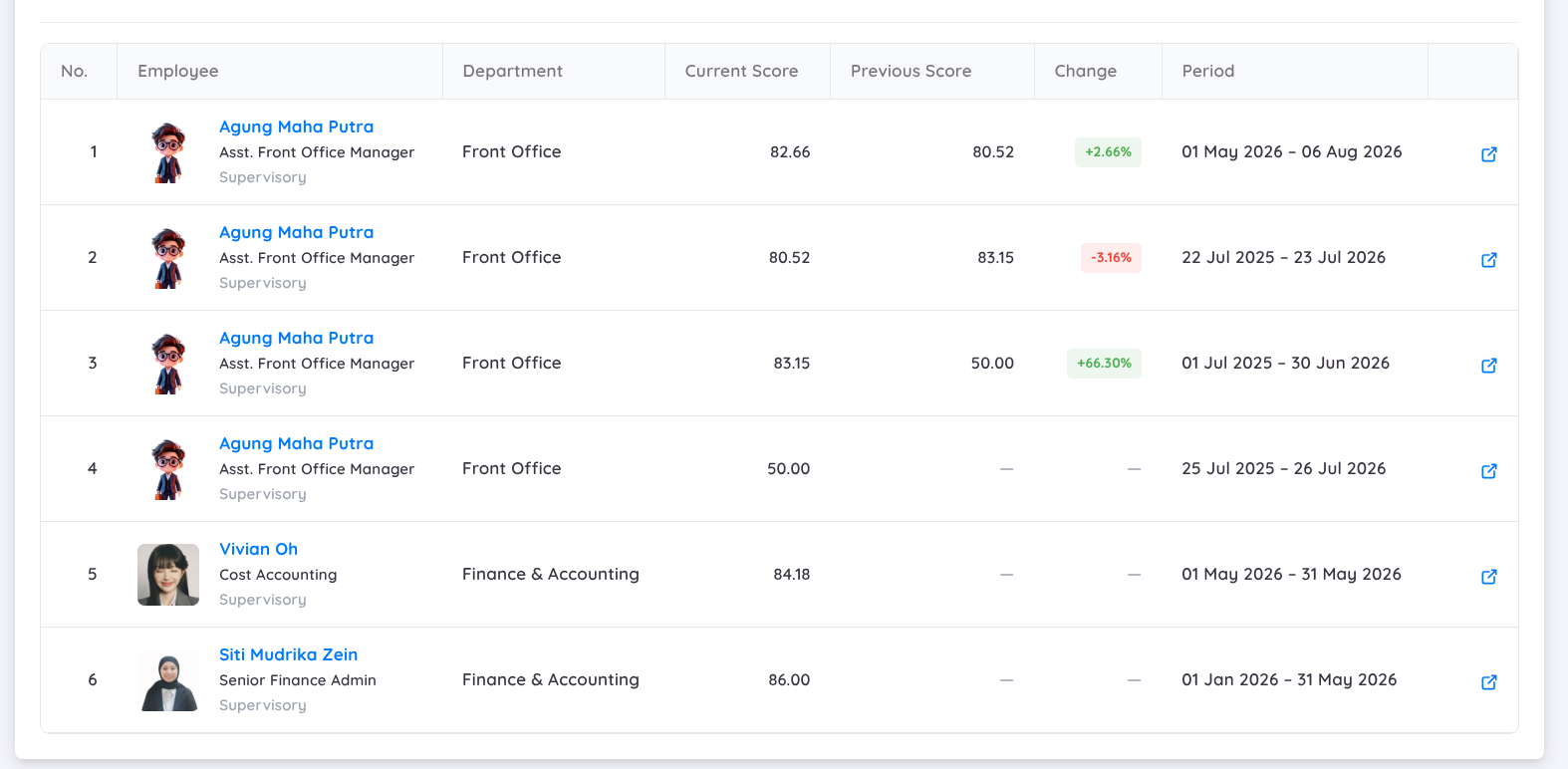
The Consolidated Performance Report provides a comprehensive overview of employee performance across multiple evaluation periods. It helps HR and management track performance trends, compare current and previous results, identify top performers, and support performance review and development decisions.
The report includes:
- Performance summary and key statistics
- Average performance score across all evaluated employees
- Performance score distribution
- Average performance score by department
- Current and previous performance scores
- Performance improvement or decline compared to the previous period
- Filters by reporting period and department
- Export options to Excel
Performance Details
By navigating to an employee's Performance Details, management can view detailed performance information, compare evaluation periods, analyze KPI trends, and identify areas for improvement.
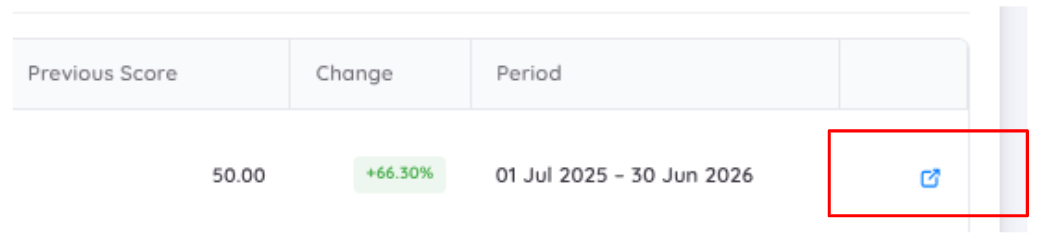
For each employee, the report is divided into a Performance Summary and detailed performance records for each evaluation period. This allows management to gain a high-level overview of the employee's performance while also reviewing detailed results for each evaluation period.
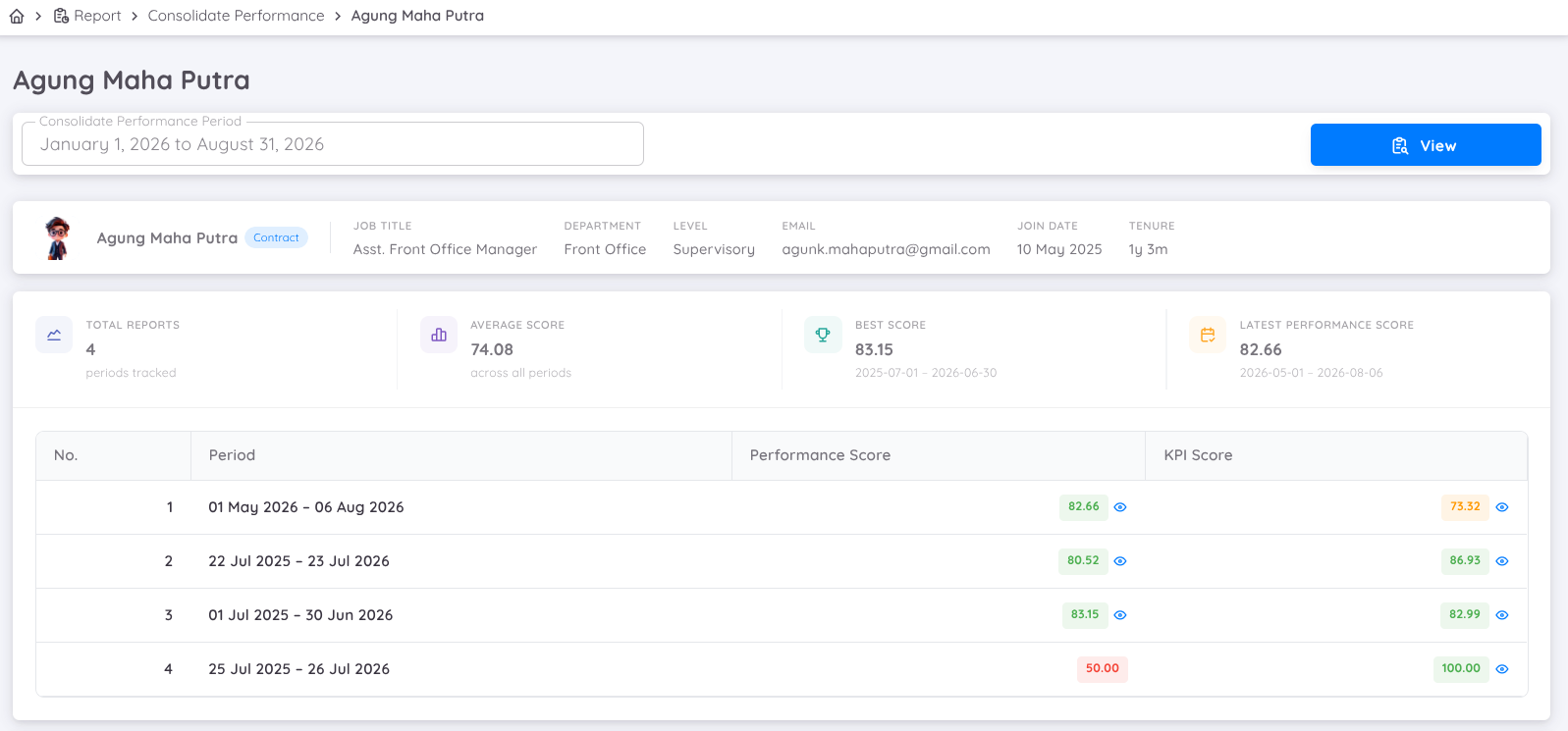
Each displayed score can be hovered over to view its component breakdown. The Performance Score and KPI Score each provide their own detailed breakdown:
- Performance Score displays the contribution of each performance component, such as Attendance, Leave, Training, Awards, and Reprimands.
- KPI Score displays the breakdown of the individual KPI components contributing to the overall KPI score.
Radar Details
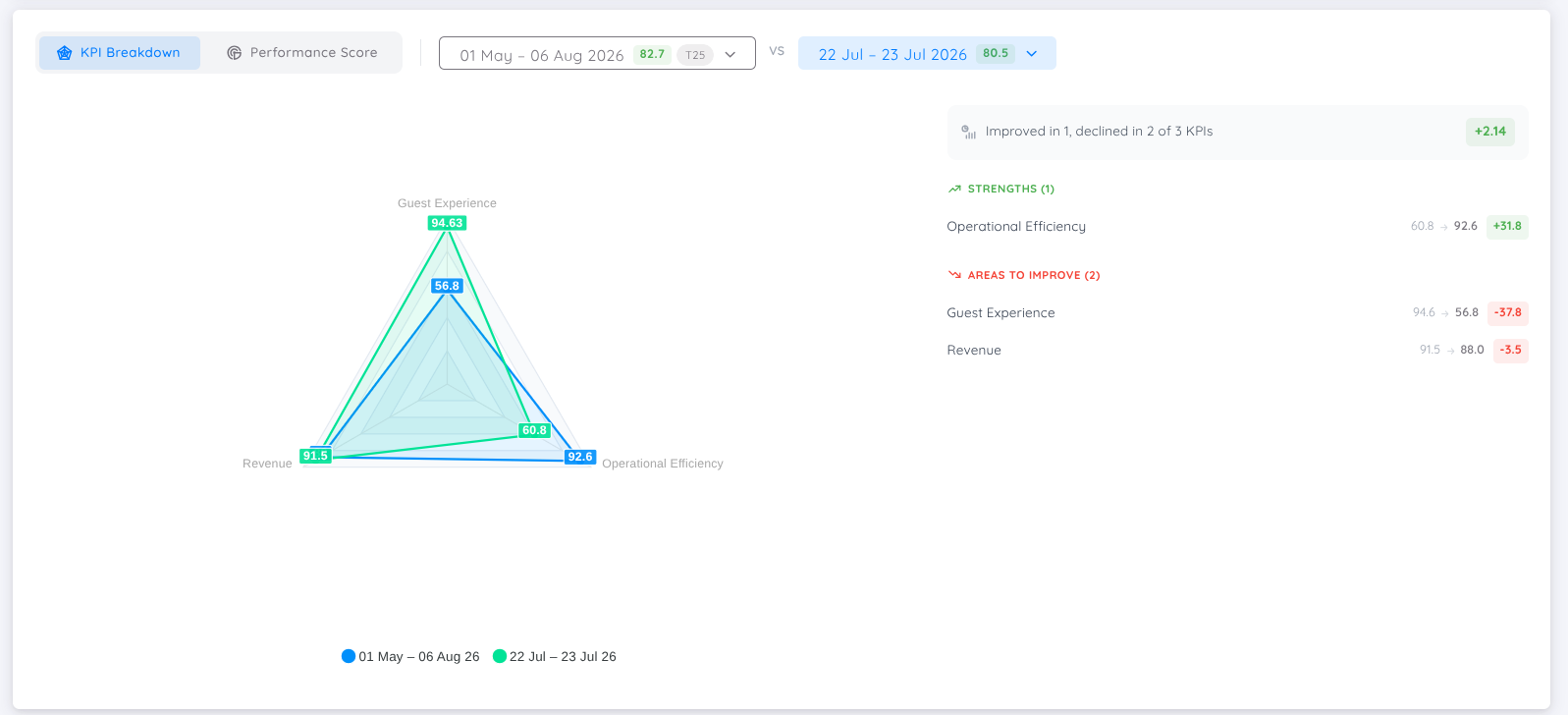
The Radar Details feature enables management to compare the KPI Breakdown and Performance Score between two evaluation periods. This makes it easier to measure progress, evaluate the impact of development initiatives, and identify changes in individual KPI and performance indicators.
- The comparison highlights KPI components that have improved or declined between the selected evaluation periods. This helps management identify strengths, prioritize development opportunities, and provide more focused coaching and performance feedback.
- The radar chart provides an intuitive visual comparison of Performance Scores across all performance indicators, making it easier to identify performance gaps, track improvements, and evaluate changes between the selected evaluation periods.