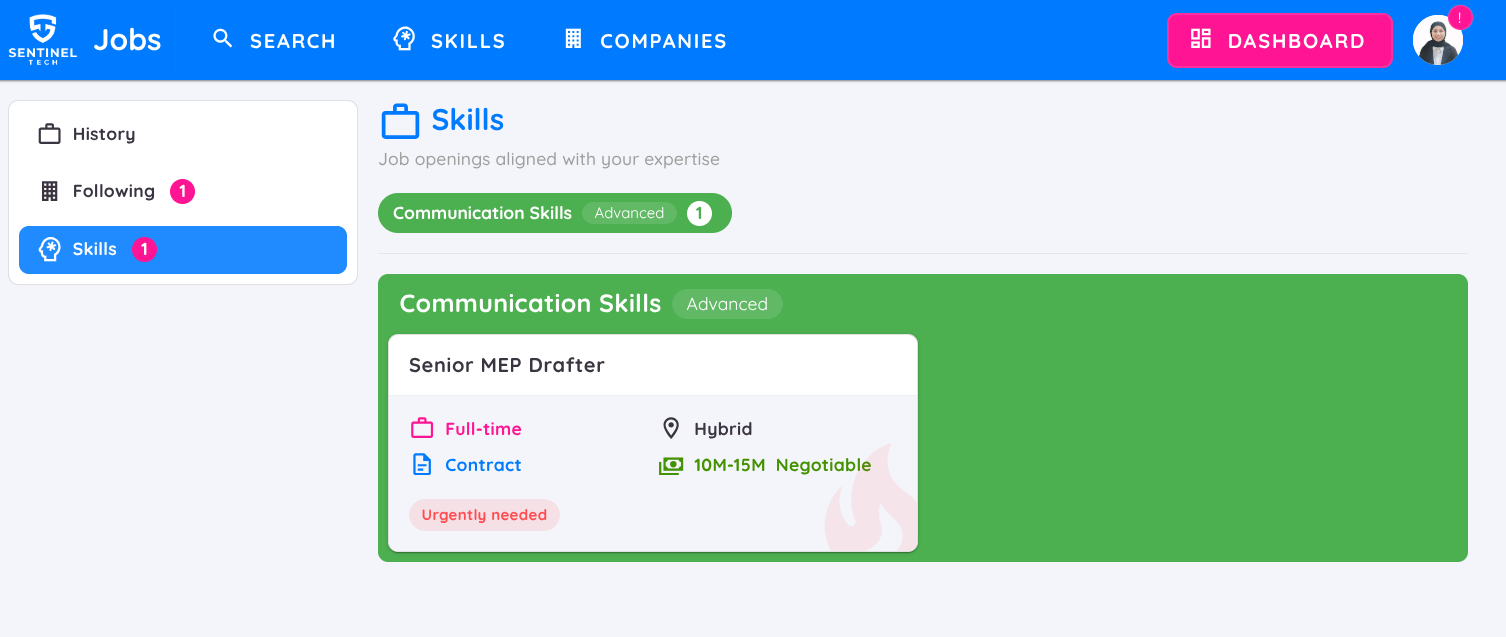
Applicant Dashboard
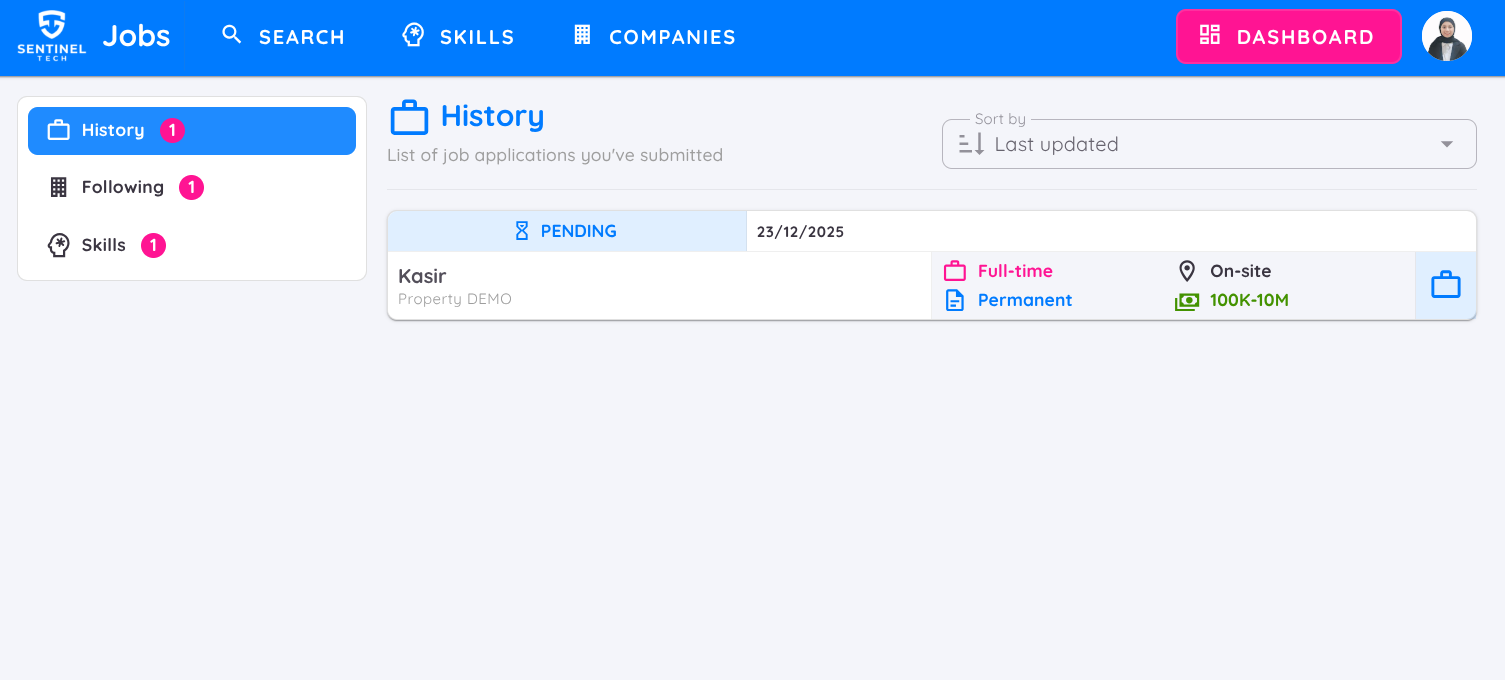
After logging in or registering, you can access the Dashboard menu, which consists of :
History Tab: Displays the history of job applications you have submitted.
- Change the sorting order by Status, Last Updated, or Job Title.
- Track the latest status of the recruitment process and view the applications submission date.
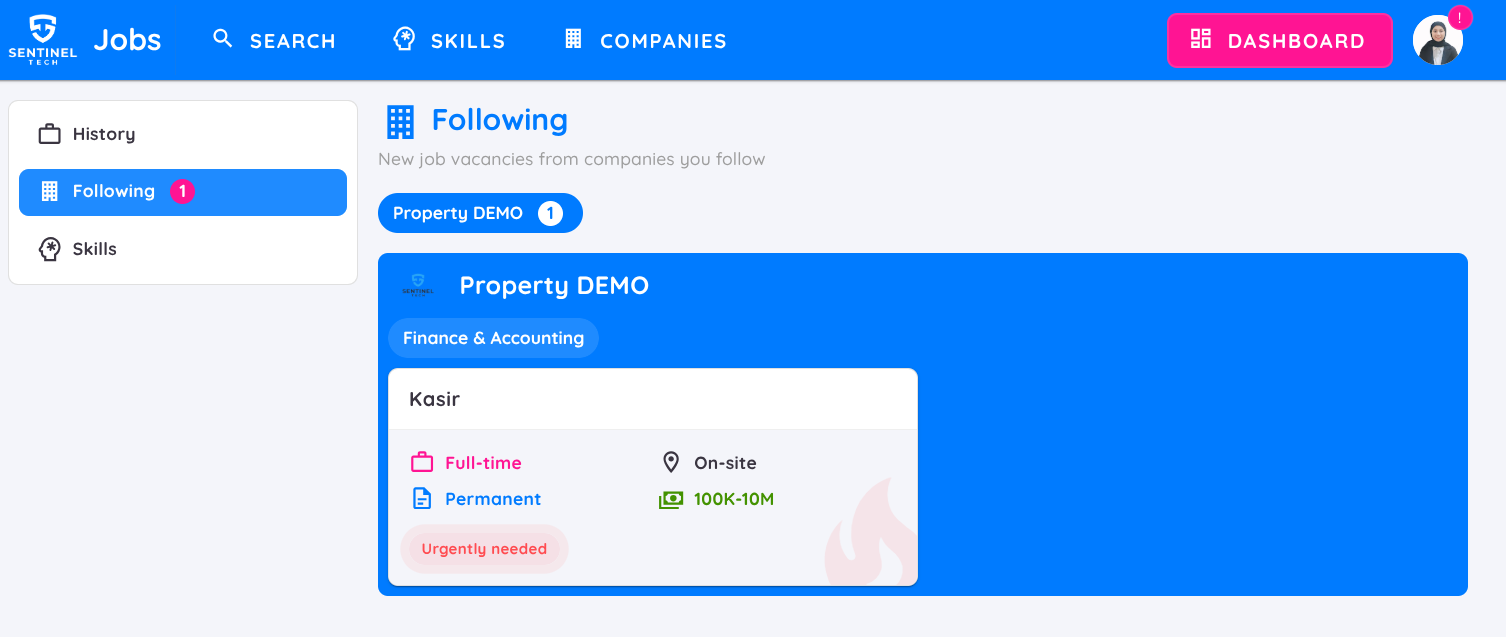
Following Companies: Displays the properties you are following.
Skills Tab: View the skills you have added to your profile. Users can add skill levels they possess, and both the skilss and their levels can be viewed by job posters.