Employee Requisition
Employee Requisition
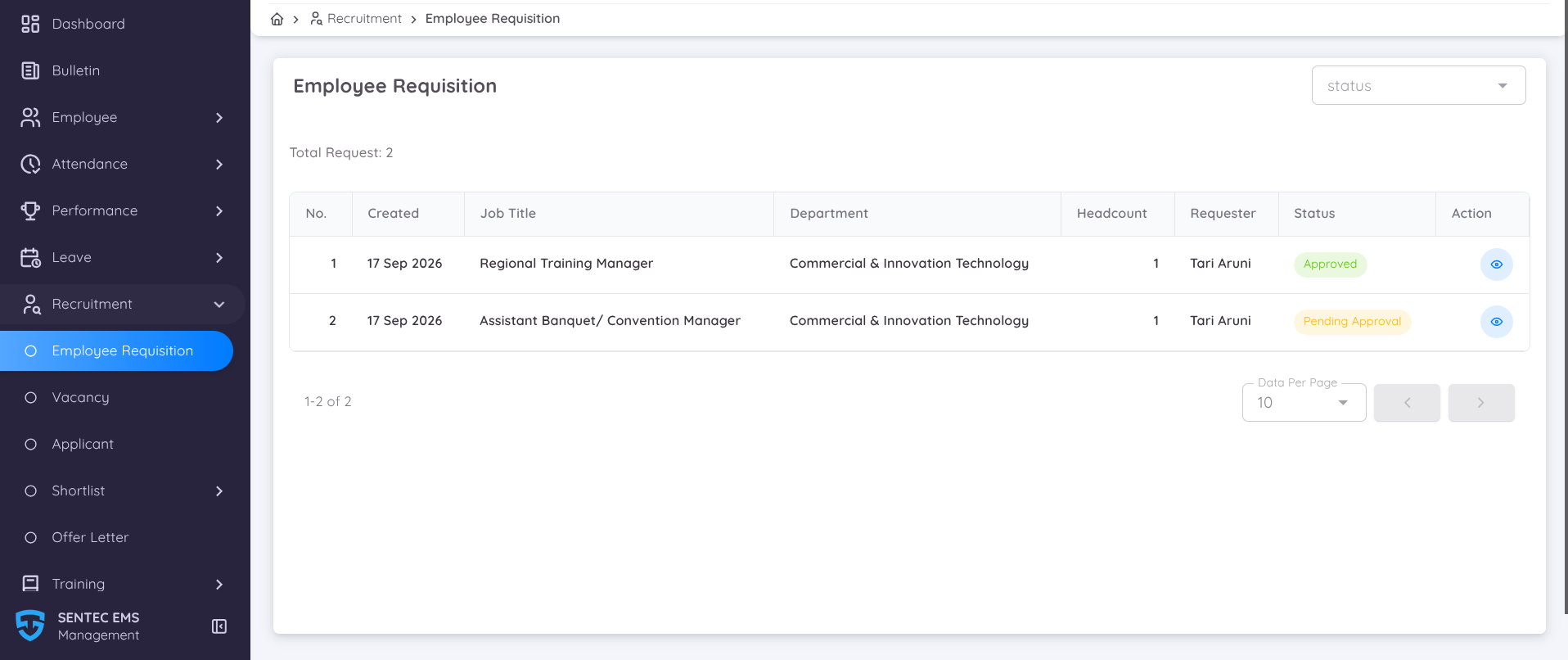
Employee Requisition is a feature available in Sentec EMS that allows each unit to submit a request for additional or replacement employees based on their workforce requirements.
From the Management Portal, management and HR can monitor submitted Employee Requisition Forms directly through Recruitment → Employee Requisition.
Management can also configure the approval flow for Employee Requisitions by assigning the appropriate approvers who are responsible for reviewing and approving each request before the recruitment process proceeds.
To assign approvers, go to Recruitment Configuration
Employee Requisitions displayed on the Management Portal can have the following statuses:
| Status | Description |
|---|---|
| Draft | The Employee Requisition has been created by the HOD but has not yet been submitted for approval. |
| Pending Approval | The Employee Requisition has been submitted and is currently going through the approval process. |
| Approved | All required approval processes have been completed. A Vacancy will be automatically created based on the approved Employee Requisition. |
How to Submit an Employee Requisition
To learn how to submit an Employee Requisition Form, please refer to the Employee Portal guide for HODs.