Overview
The payroll system in Sentec EMS can be customized according to the rules and conditions of each company. Each company can have its own payroll profile. This is aimed at adjusting payroll calculations that differ in various regions or conditions applicable within the company.
Account
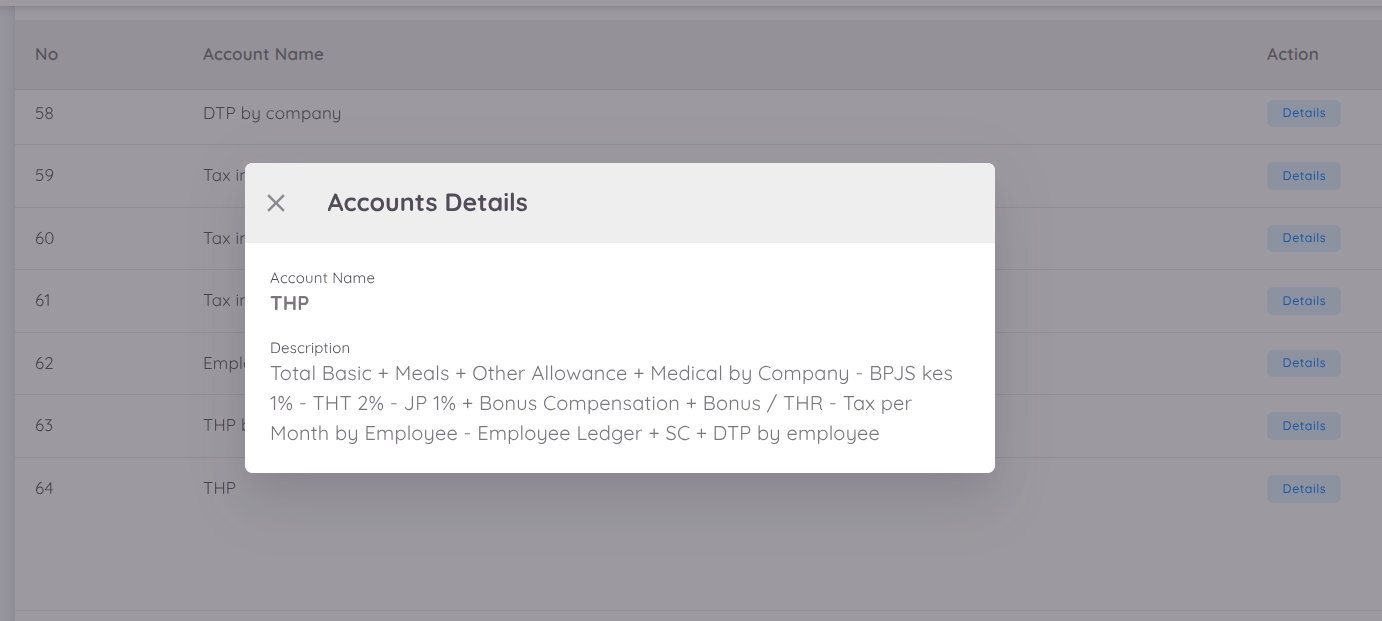
"Account" refers to the column name or account name in accounting. An "Account" will have a formula if its value depends on another "Account" or is the result of a calculation using other "Accounts". The value of an "Account" that has a formula cannot be edited directly by the user. The formula of an "Account" also cannot be edited by the user.
NOTE
The values for the "Basic Salary" & "FPSC" Accounts are taken from contract benefits. Please contact the Sentec EMS team if there are any changes to the "Account" formula.
Payroll Profile
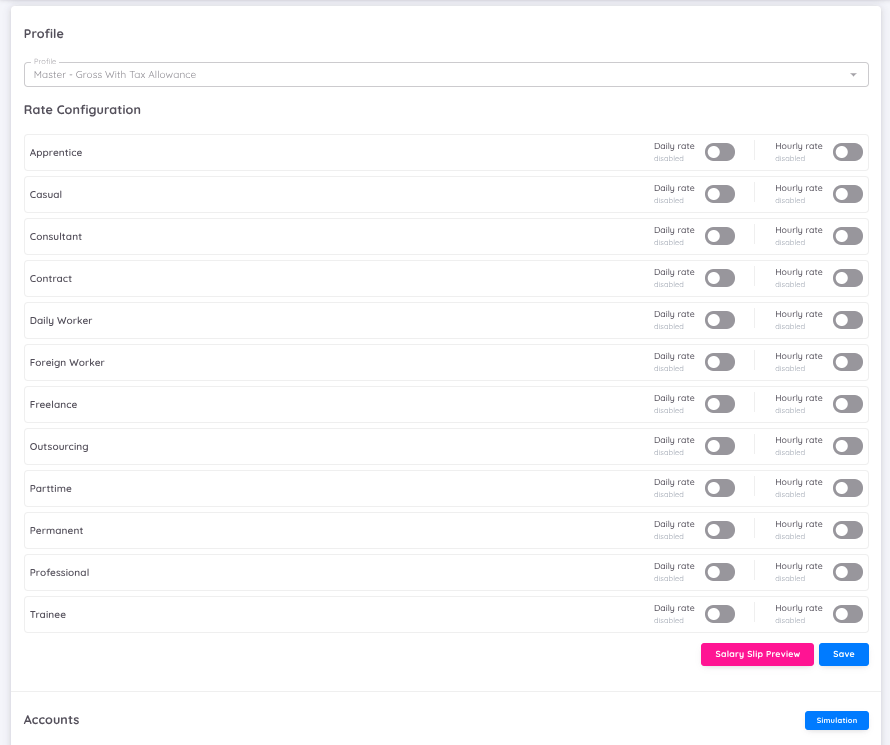
A payroll profile is a collection of "Accounts" along with their formulas and report templates that can be used by companies to generate payroll reports.
Note
The payroll profile can be selected and configured on the setup page.
Employee Payroll Profile
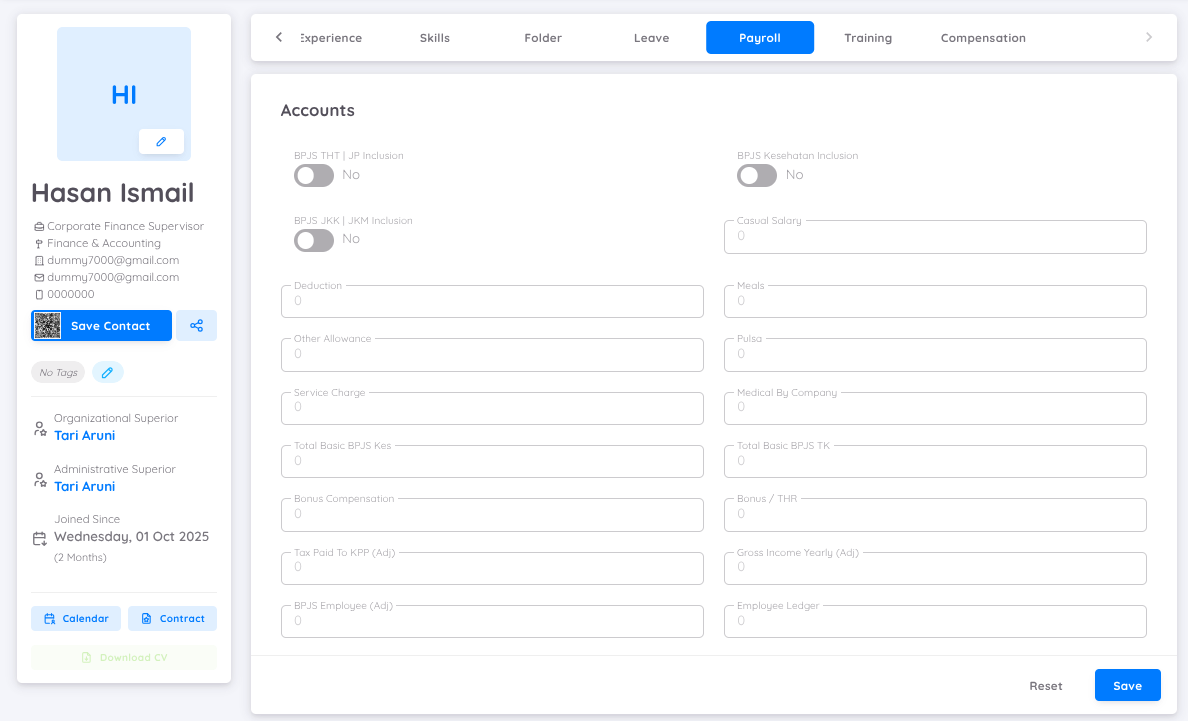
Employees can have a specific payroll profile that is derived from the "Payroll Profile". This is used to set different salary calculations from other employees. Thus, these employees will use the values of "Accounts" in the "Employee Payroll Profile" during the payroll calculation process. For example, an employee might receive different allowances from others. The "Employee Payroll Profile" can be accessed from the employee's profile page under the "Payroll" tab.
NOTE
It is recommended to create an "Employee Payroll Profile" only for employees with specific cases; not all employees need to have an "Employee Payroll Profile" created, you can add and create the employee payroll profile in employee profile page.
Template Report
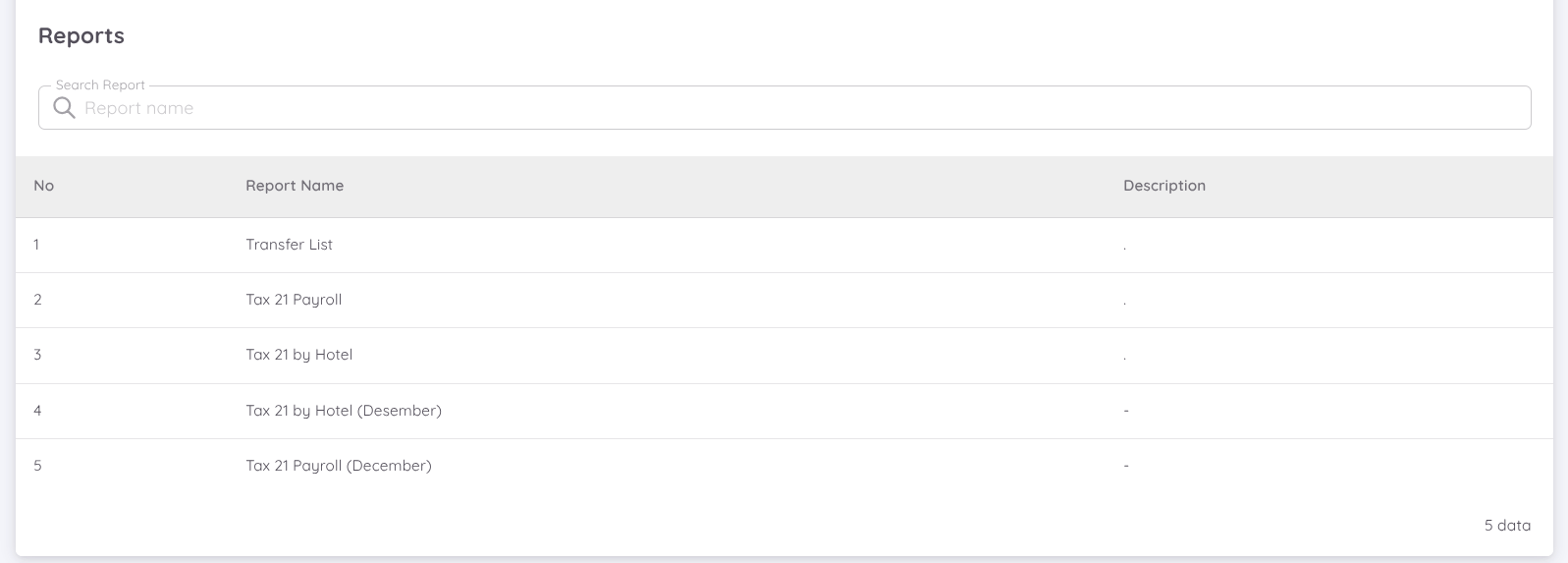
A set of "Accounts" are selected to compile a report. One payroll profile can have multiple report templates tailored to the company's needs. In addition to "Account" columns, the report template can also include additional employee information such as job title, department, contract status, and more.
NOTE
Please contact the Sentec EMS team for payroll profile adjustments. Use the simulation feature on the Configuration - Setup - Payroll page to ensure the payroll profile is configured correctly.