Trainer Page
In this menu, you can view a list of trainers who have been assigned to training sessions.
The lists of Trainers and Co-Trainers are displayed in separate tabs, allowing you to manage each group independently and clearly.
Both lists include a Download button, enabling you to export trainer or co-trainer data. You can also use filters to view records based on name and training period.
Trainer List
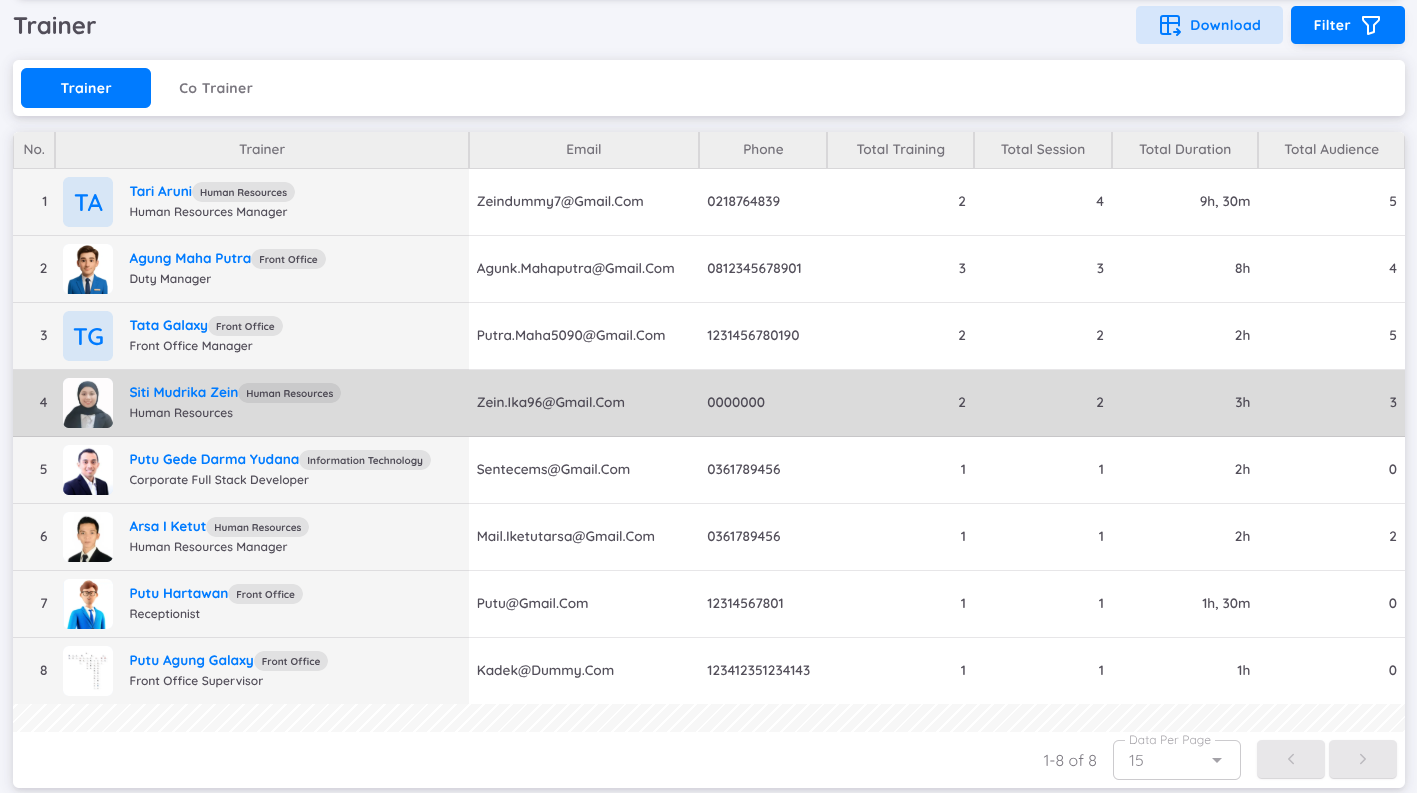
In the Trainer tab, you will find a detailed list of all assigned trainers. Each entry includes information such as:
- Trainer’s name, including an information of their position and department
- Email and phone number
- Total training handled
- Total session
- Total duration (in hours and minutes)
- Total audience
When you click on a trainer’s name, you will be directed to their employee profile page for more detailed information.
Co-Trainer List
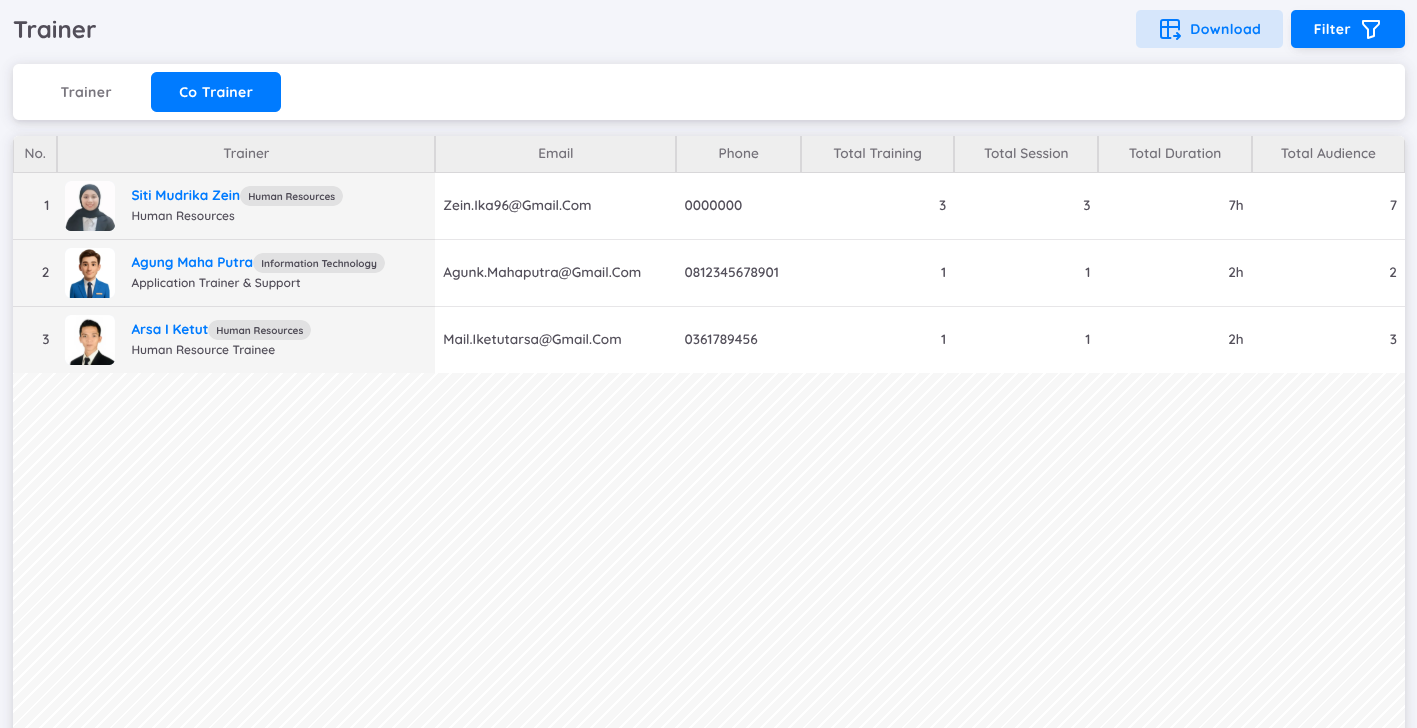
The Co-Trainer tab works similarly to the Trainer list but specifically displays co-trainers. All related information such as contact details, session count, duration, and audience data will also be available and can be downloaded or filtered as needed