Task Reporting Reports
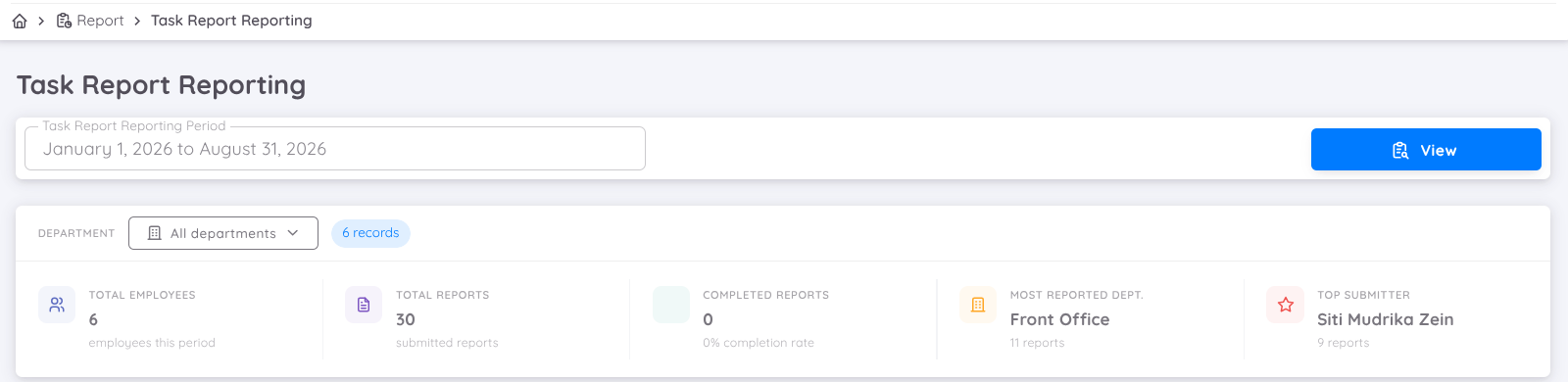
Task Reporting is available in Sentec EMS to provide management with a comprehensive overview of task assignments and completion status. This report helps management and supervisors monitor how tasks are distributed among employees and track the overall status of assigned tasks.
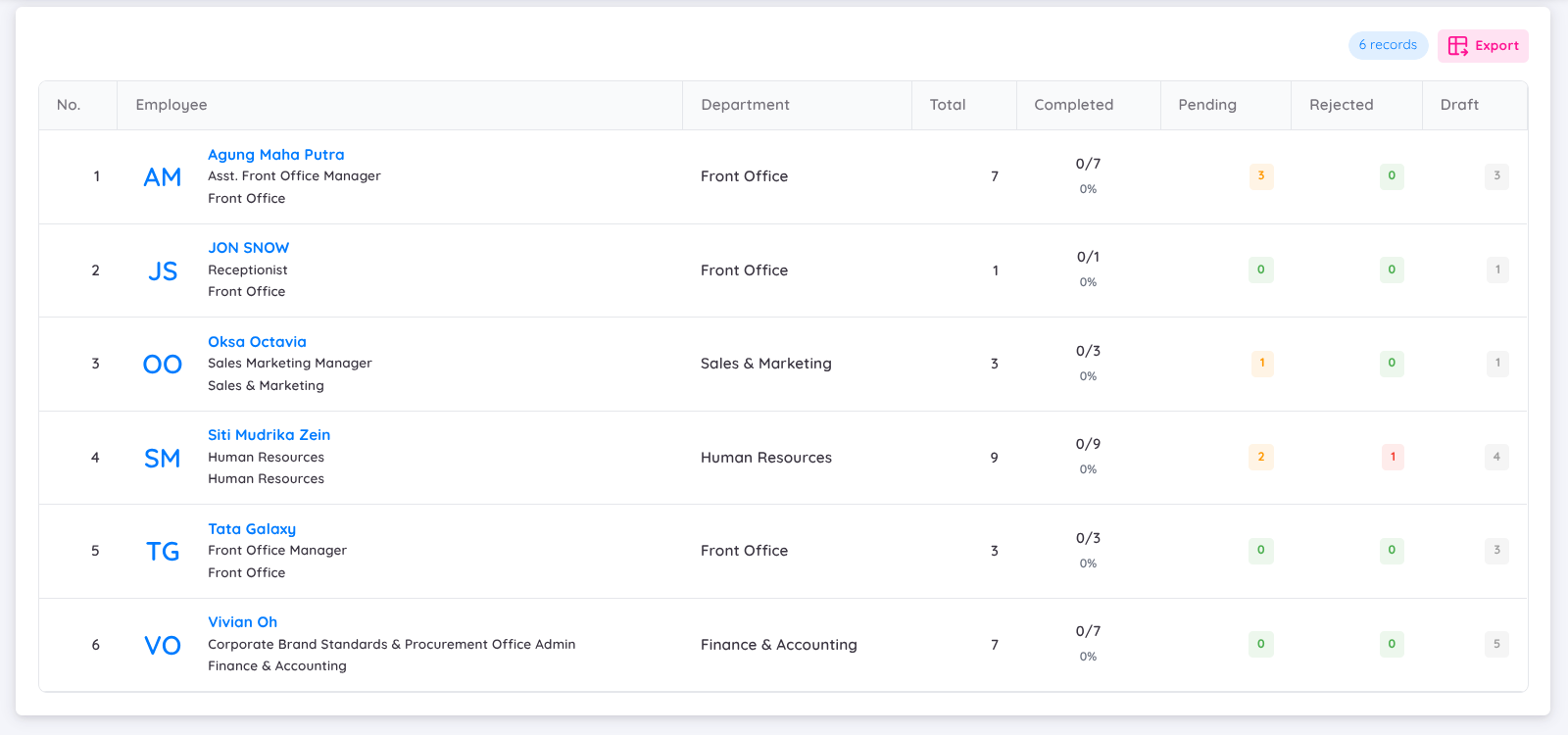
The report provides a summary of task activities for each employee, making it easier to monitor task distribution and identify employees with outstanding tasks.
With Task Reporting, you can:
- View the total number of tasks assigned to each employee
- View the Completed indicator, showing the number of completed tasks in relation to the total number of tasks assigned
- View the total number of Pending and Rejected tasks for each employee
- Compare task completion status across employees
- Monitor the overall distribution of assigned tasks
- Identify employees with a high number of pending or rejected tasks
- Filter task summaries by reporting period
- Filter task summaries by department
- Export the Task Report to Excel or Google Sheets