Dashboard
Sentec EMS Features a Job Portal, a public platform for searching and applying for jobs across various properties or units. This portal is designed to be easily accesible to anyone, whether for exploring job vacancies, following specific unit profiles, or applying for jobs. Below is a complete user guide :
Home Page
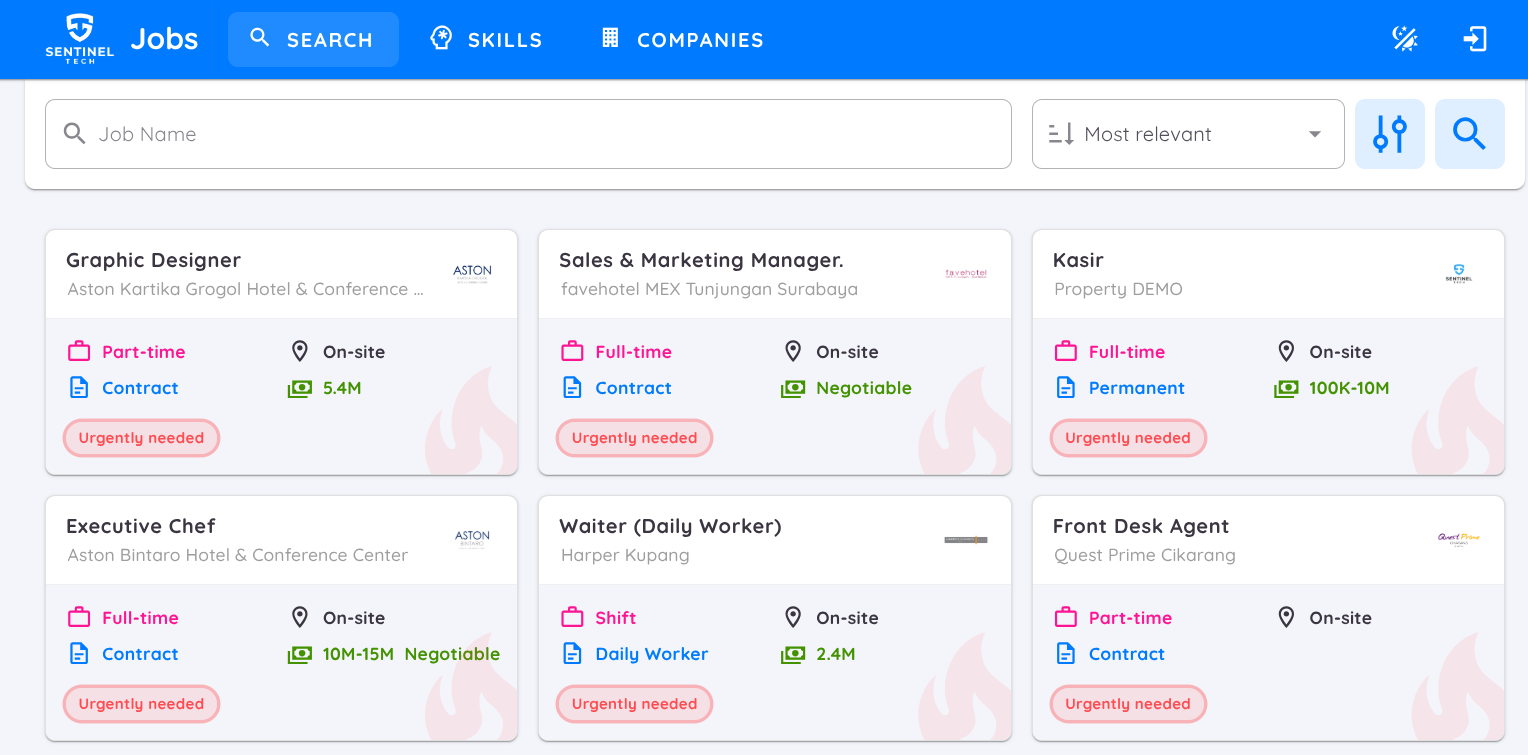
Search (Search Job Vacancies)
This page displays all active job vacancies across various properties or units.
Search and Filter Features:
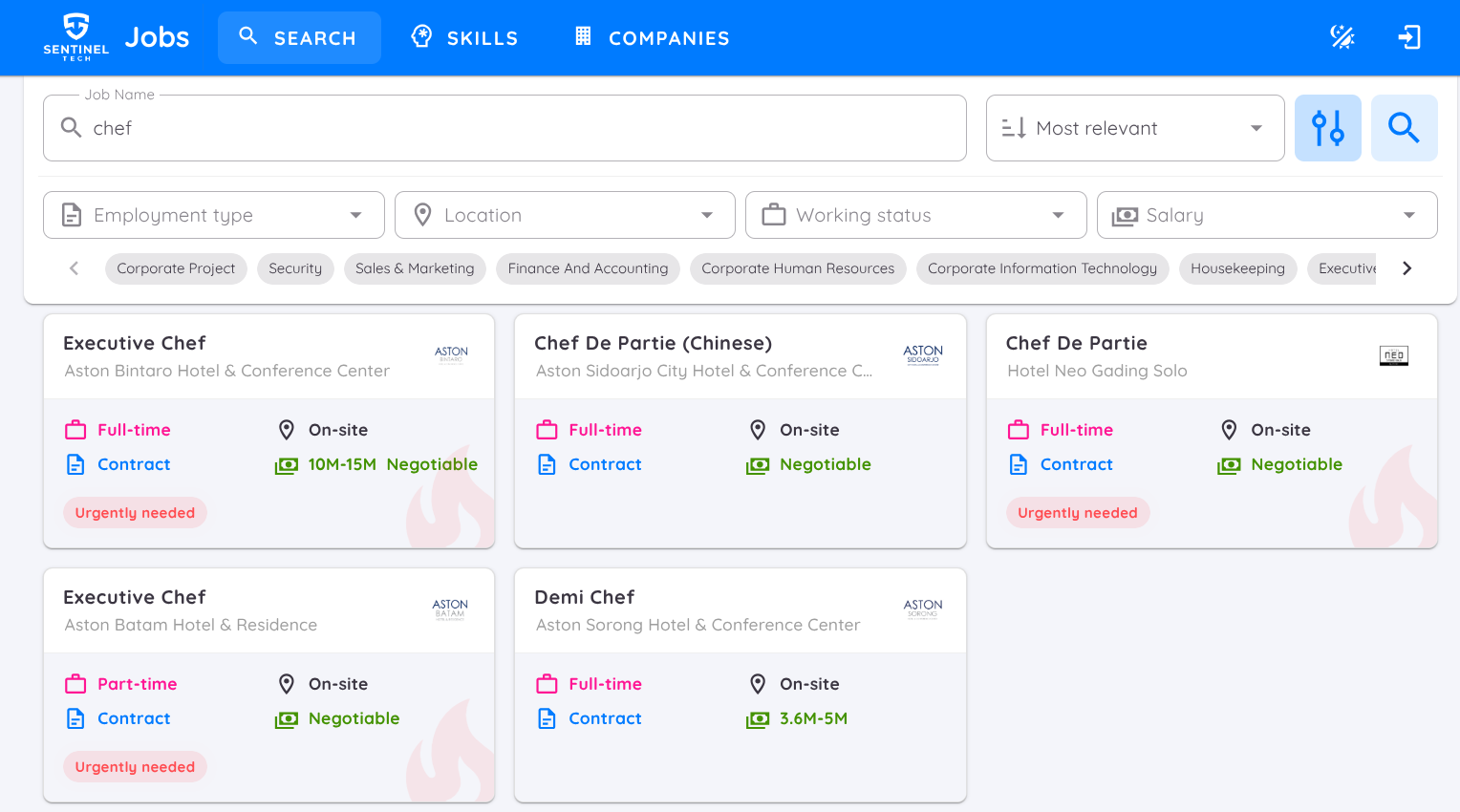
- Use the search bar to find job vacancies by job title
- Sort the search results using the options : Most Relevant, Highest Salary, or Most Recent.
- Click the Filter button to narrow down the job listings based on employement type (part-time, full-time, freelance, etc), job location, working status (permanent, daily worker, etc.), salary range, department
- After selecting filters or entering keywords, click Search to view the search results.
- Click the Job Title to view a more detailed description of the vacancy.
Skills
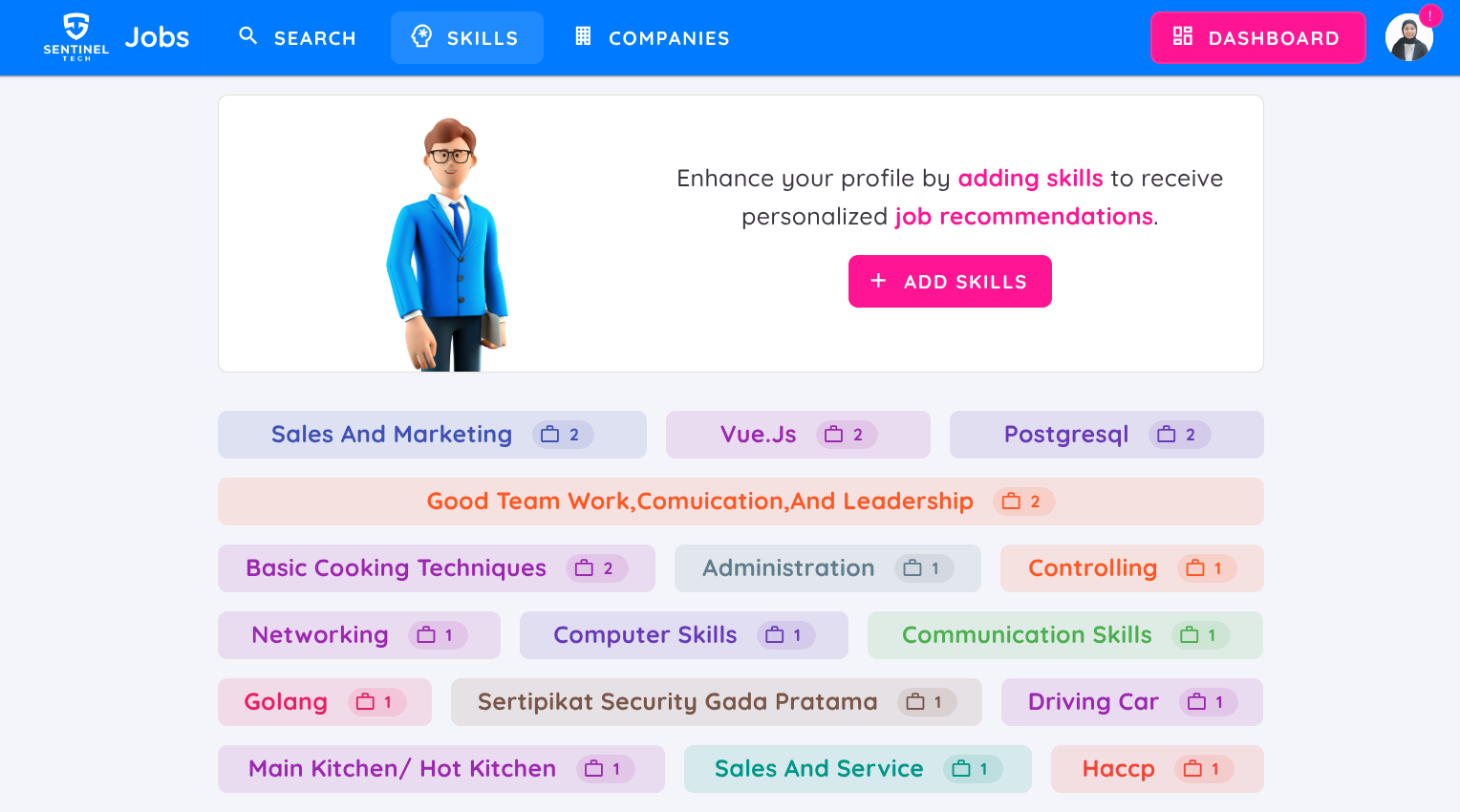
This page makes it easier for candidates to fins jobs that match their skills.
- A list of relevant skills will be displayed along with the number of job vacancies related to each skill
- Click on any skill to view a list of jobs that require that particular skill
Companies
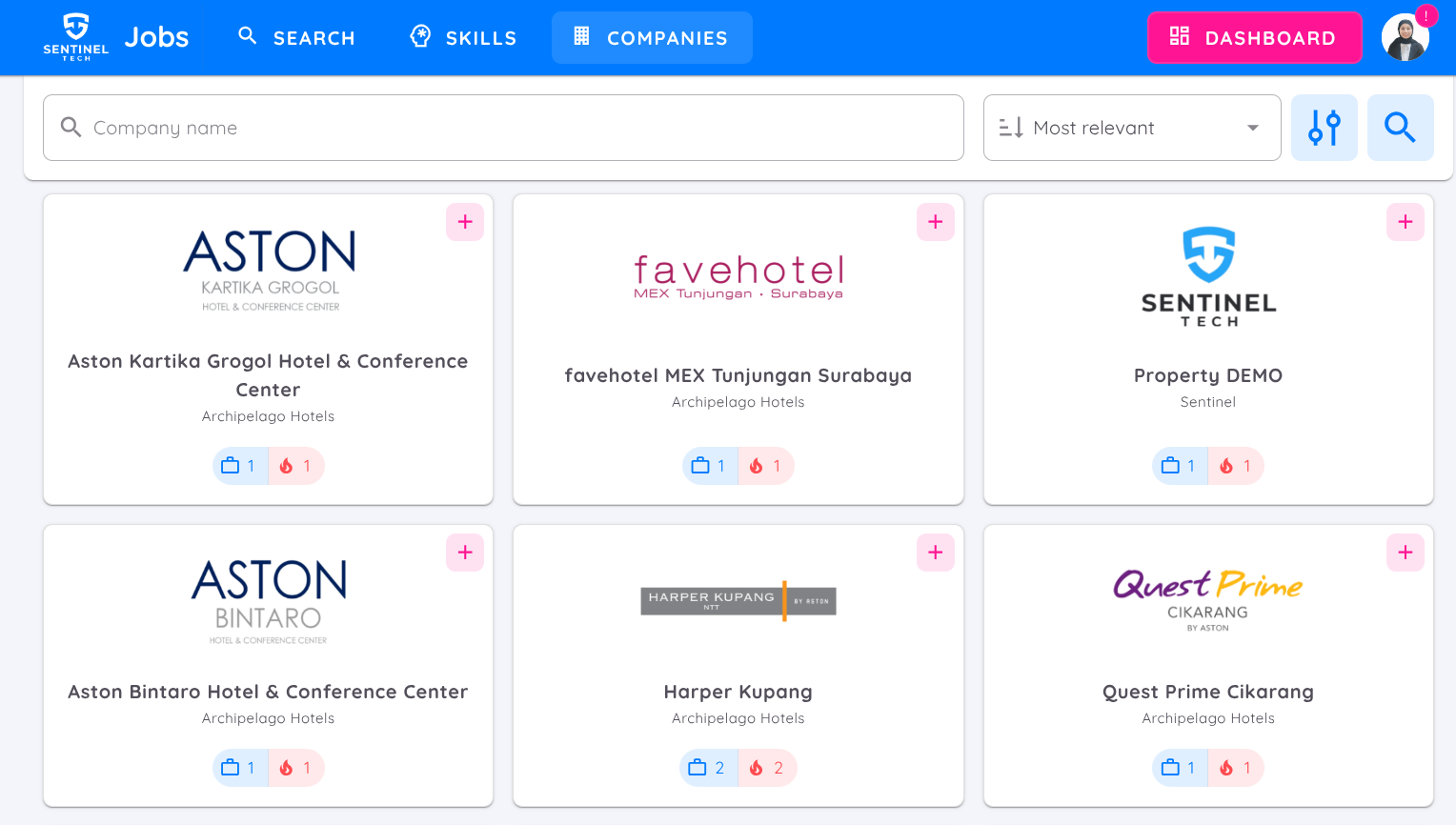
This page displays a list of properties or units registered in the Sentec EMS database.
Search and Sorting Features:
- Search by company name.
- Sort by Name, Most Relevant, or companies with Most Jobs (most job opening).
Company Details:
- Company or unit profile, number of active job vacancies, office address, contact (email and phone number) and company website.
- The most recent or Urgently Needed vacancies will appear at the top.
Activate the filter to display only companies with active job vacancies.